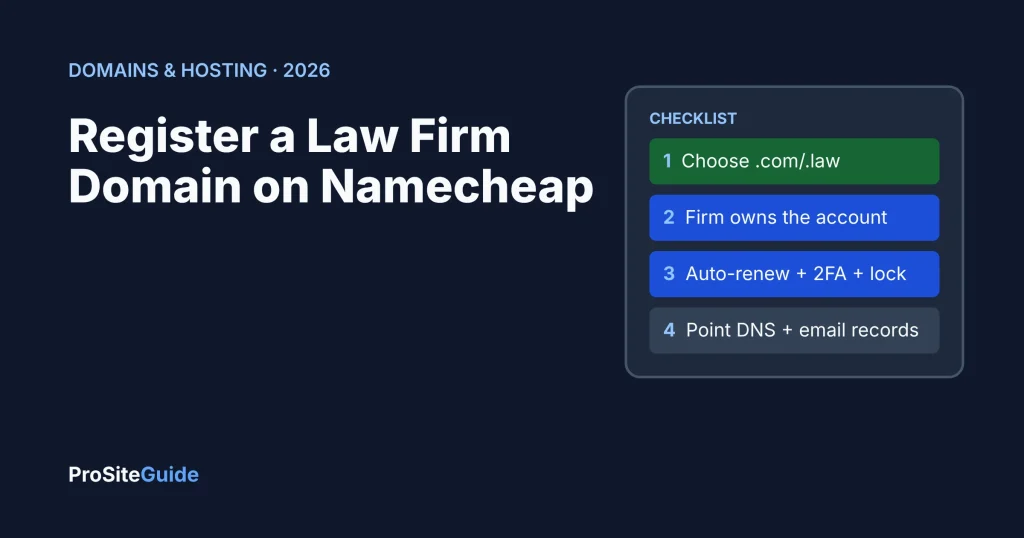
Quick answer: To register a law firm domain on Namecheap, search for your firm name, add the domain to your cart, create the account in the firm’s name with a firm-controlled email address, skip the extras you have not chosen, and pay. Then turn on auto-renew, two-factor authentication and the registrar lock before you connect your website and email. The purchase takes about ten minutes; the DNS setup afterwards is where most mistakes happen.
Key takeaways
- The firm, not the web designer, should own the Namecheap account and be listed as the registrant.
- Namecheap includes free domain privacy on eligible extensions, so you do not need to pay for it.
- A .com was $12.08 for the first year on sale (regular $15.98) and renews at $19.98 a year when we checked on November 18, 2026. Budget for the renewal, not the promo.
- Legal extensions cost more: .law $105.98, .attorney $65.98 and .lawyer $74.48 a year at Namecheap.
- Turn on auto-renew, two-factor authentication and the registrar lock the same day you buy.
Step 1: Which domain should a law firm register?
Start with the .com version of your firm name if it is available and short. If it is taken, a legal extension such as .law (licensed lawyers only), .attorney or .lawyer is the next choice. Our guide to .law vs .com vs .attorney walks through the trade-offs, eligibility rules and trademark checks. Decide on one primary domain before you start shopping, so the checkout does not talk you into extras.
Step 2: How do you search for and buy a domain on Namecheap?
- Go to Namecheap’s domain search and type the name you want, for example smithfamilylaw.
- Namecheap shows the extension you typed and a list of suggestions with prices. Check the yearly price and look for a “premium” label; premium names cost far more and renew higher.
- Click Add to cart next to the name you want, then open the cart.
- In the cart, choose the registration length (Step 3) and confirm domain privacy shows as free.
- Create your account (Step 4), then pay. Namecheap accepts cards and PayPal.
Namecheap often shows a promo code or a sale price for new customers. These apply to the first year only. The renewal price is what the firm will pay every year after that, so compare that number when you shop.
| Extension | First year at Namecheap | Renewal | Notes |
|---|---|---|---|
| .com | $12.08 on sale (regular $15.98) | $19.98/yr | Plus $0.20 ICANN fee |
| .law | $105.98 | $105.98/yr | Registry verifies you are a licensed lawyer |
| .attorney | $65.98 | $65.98/yr | Check your state bar rules on firm names |
| .lawyer | $74.48 | $74.48/yr | Same as above |
Prices from Namecheap’s own domain search and pricing pages, checked November 18, 2026. Prices and promotions change often; confirm the total at checkout.
Step 3: How long should you register the domain for?
One year is fine if auto-renew is on and the card on file stays current. Registering for several years gives a little protection against a missed renewal, and Namecheap offers a discount on extra years for some extensions (for .com it listed 10% off each additional year for 2–5 years and 15% for 6–10 years). Either way, set a calendar reminder a month before the expiry date so someone checks the card and the account email.
Step 4: Who should own the Namecheap account?
Create the account in the firm’s name with an email address the firm controls long-term, such as admin@ or it@ your firm’s domain, or a partner’s firm address. Do not use a web designer’s account or an employee’s personal Gmail. If a developer needs to work on DNS, give them access through your account rather than registering the domain in theirs. Whoever controls the registrar account controls the firm’s website and email.
Step 5: Which checkout add-ons are worth buying?
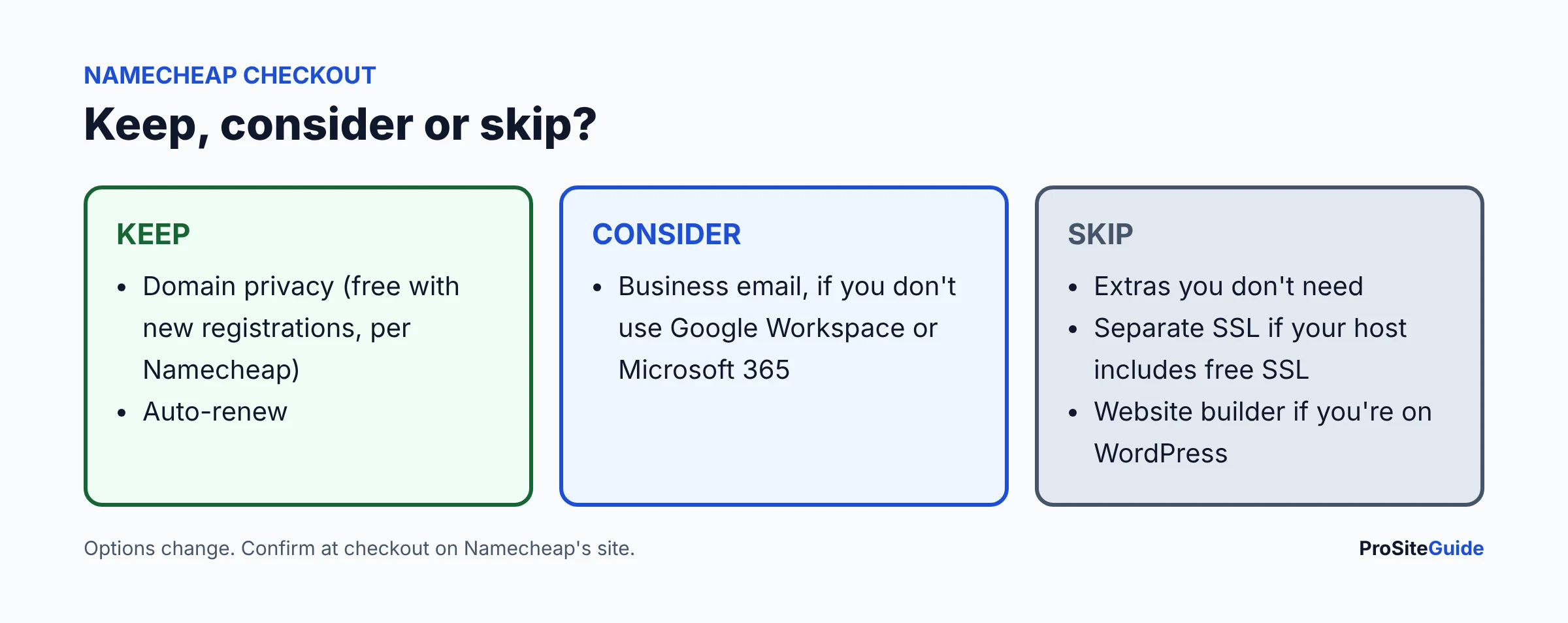
- Domain privacy: keep it. It is free on eligible extensions at Namecheap and hides personal contact details from public WHOIS lookups.
- Hosting: skip it unless you have already chosen Namecheap hosting. Compare options in our law firm hosting guide first.
- Business email (Private Email): optional. Namecheap’s Private Email starts at $14.88 a year for one mailbox after a 30-day trial. Most firms are better served by Google Workspace or Microsoft 365 for retention and compliance features; see Workspace vs 365.
- PremiumDNS, SSL and other security extras: skip them at checkout. Most hosts include free SSL, and you can add these later if you need them.
Step 6: How do you turn on auto-renew, 2FA and the registrar lock?
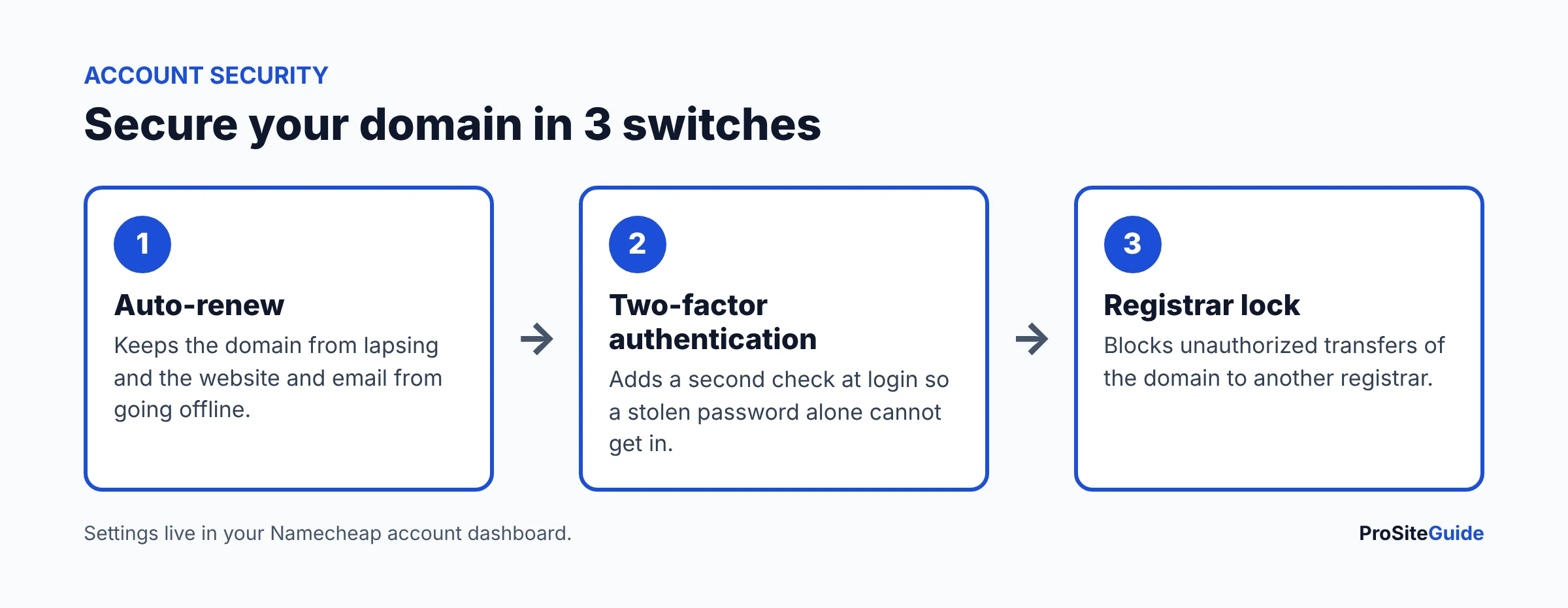
- Auto-renew: in your Namecheap Dashboard, open Domain List and switch on auto-renew for the domain. Keep a valid card on the account.
- Two-factor authentication: under your profile’s security settings, enable 2FA. Namecheap supports an authenticator app or a U2F security key (one method at a time).
- Registrar lock: open the domain’s Manage page, go to Sharing & Transfer, and make sure the domain lock is on. This blocks unauthorized transfers.
Step 7: How do you point a Namecheap domain to your website host?
You connect the domain to your host with DNS. Your host will tell you which of two methods to use:
- Change the nameservers. In Domain List, click Manage, find Nameservers, switch the dropdown from Namecheap BasicDNS to Custom DNS, paste the nameservers your host gives you and click the green checkmark. DNS is then managed at your host.
- Keep Namecheap’s nameservers and add records. On the Advanced DNS tab, under Host Records, click Add New Record. Usually that is an A record with host
@pointing to your host’s IP address, and a CNAME record with hostwww.
Changes usually take effect within an hour but can take up to 48 hours. Our step-by-step guide to connecting a Namecheap domain to Kinsta, SiteGround or Hostinger covers each host.
Step 8: How do you set up email records (MX, SPF, DKIM, DMARC)?
Email will not reach your domain until it has the right records. MX records say which servers receive mail, SPF lists who may send as you, DKIM signs outgoing mail, and DMARC tells receivers what to do when the checks fail. In Namecheap, open Advanced DNS, set the Mail Settings section to Custom MX, then add the records your email provider gives you. Follow our Google Workspace setup guide or Microsoft 365 setup guide for the exact values. If you changed nameservers to your host in Step 7, add these records at the host instead.
Namecheap domain mistakes to avoid
- Registering the domain in a vendor’s or employee’s personal account.
- Comparing first-year promo prices instead of renewal prices.
- Leaving auto-renew off, or letting the card on file expire.
- Changing nameservers without moving your email records first, which can stop email.
- Buying a premium name without checking its renewal price.
FAQ
Is Namecheap a good registrar for a law firm?
Yes, for most small firms. It has free domain privacy, security-key 2FA, a clear dashboard and a wide choice of extensions. It is not the cheapest at renewal; Porkbun and Cloudflare charge less for .com and legal extensions. See our registrar comparison.
Do I need to buy hosting or email from Namecheap?
No. You can register only the domain and connect it to any host and any email provider.
Can I register a .law domain on Namecheap?
Yes. Namecheap sells .law ($105.98 a year when we checked), but the registry verifies that the registrant is a licensed lawyer or law firm before the domain goes live.
What happens if my domain expires?
The website and email stop working. There is usually a short grace period to renew at the normal price, followed by a redemption period that costs much more. Auto-renew avoids this.
Conclusion and next steps
- Choose the name and extension, then search for it at Namecheap.
- Buy it in a firm-owned account and keep free privacy; skip extras you have not chosen.
- Turn on auto-renew, 2FA and the registrar lock.
- Connect your website, then your email records.
- Next, read the Start Here page or our website security checklist.
Want this handled for you? ProSiteGuide builds and maintains fast, secure WordPress sites for law firms. Book a free consultation.
7 comments