Quick answer: Google local services ads for lawyers are pay-per-lead ads that appear above regular search results. You pay when a prospective client contacts you from the ad, not when someone clicks. Google does not publish a fixed price per lead: according to Google’s billing help page, prices vary by location, job type, lead type and bidding mode. To run them you complete Google’s screening and verification, set a weekly budget and a maximum bid, and answer every contact quickly.
Update you may have missed: many older guides talk about the “Google Screened” badge for lawyers. Google’s help page says it is replacing its advertiser badges with a single Google Verified badge (About the Google Verified badge). The screening step still exists for new advertisers. Only the badge name changed.
Key takeaways
- LSAs bill per valid lead (a call, message or booking request), not per click.
- Google publishes no fixed lawyer lead price. Cost depends on location, practice area, lead type and your bidding mode.
- New advertisers must pass Google’s screening and verification to earn the Google Verified badge. Ranking is an auction on bid and profile quality.
- You set an average weekly budget. Google caps spending at a monthly maximum.
- Advertising rules for lawyers vary by state. Check your state bar before you launch.
How do Google local services ads work for lawyers?
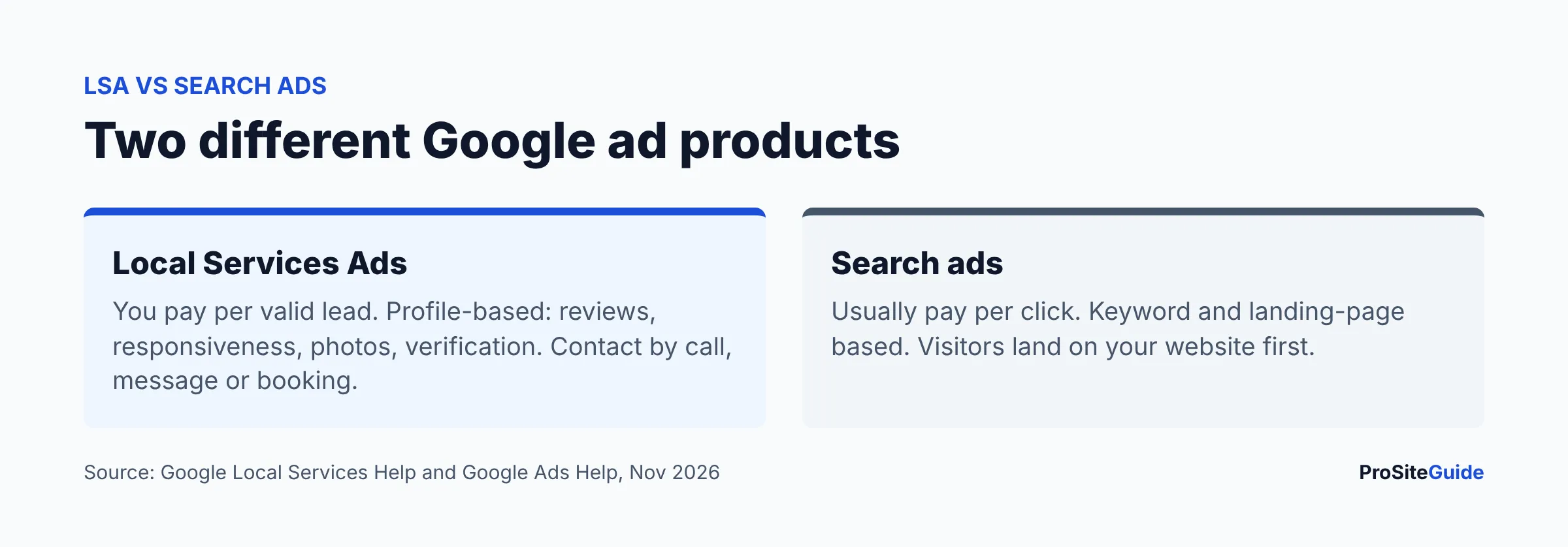
Local Services Ads (LSAs) are a separate Google ad product from the Search ads you manage in a standard Google Ads campaign. Per Google, the Local Services unit appears prominently in Search results, and potential clients can contact you by call, message or by booking directly through the ad (Getting started with Local Services Ads). Google’s eligibility list includes many legal categories, such as bankruptcy, personal injury, family, criminal, immigration and real estate. Check the eligibility tool in your area, since availability is limited to certain categories and locations.
Instead of keywords and ad copy, an LSA profile is built from your business details, practice areas, service area, hours, reviews, photos and a bio. A searcher sees a short list of firms, each with a rating and a button to call or message.
How are LSAs different from Google Search ads?
| Local Services Ads | Search ads (Google Ads) | |
|---|---|---|
| What you pay for | A valid lead (per Google’s billing page) | Usually clicks, depending on bid strategy |
| What you build | A profile: practice areas, service area, hours, reviews, photos | Keywords, ad copy, landing pages, bid strategies |
| Where people land | Contact you directly from the ad (call, message, booking) | Typically your website |
| Ranking | Auction on bid and profile quality, per Google | Auction on bid, quality and other factors |
| Management | Local Services Ads inbox for pausing and editing | Full Google Ads interface |
The practical difference: with LSAs your Google Business Profile-style reputation (reviews, responsiveness) matters more than your website, while Search ads depend heavily on your landing pages and keyword work. Many firms run both, but this guide stays on LSAs. For organic visibility see our local SEO checklist for lawyers and Google Business Profile guide.
What is Google Verified (formerly Google Screened) and how do law firms get it?
The Google Verified badge signals that a business has passed Google’s screening process. Google’s help page says new advertisers must complete the Local Services screening and verification process to earn it, while advertisers who had already completed verification receive it automatically (About the Google Verified badge). The page also says the badge change does not affect ad ranking.
Google says screening varies by category and region and may include license checks, insurance, third-party background checks and, for some categories, advanced verification such as a review of your Google Ads account, public data and video interviews (How providers qualify). Google’s pages I reviewed do not list lawyer-specific requirements in detail, so expect to be asked for your bar license information and confirm the exact steps inside your own sign-up flow.
Google also notes that firms can run pre-badge ads before finishing onboarding. These need a license or business registration, billing, a budget and, for professional categories, headshots. Pre-badge listings appear but rank below providers with the badge (Getting started with Local Services Ads).
How does pay-per-lead billing work?
Google bills per lead. According to Google’s billing help page:
- You choose a bidding mode and a maximum amount you will pay per lead.
- Invalid or low-quality leads are not charged. Valid leads include answered calls, missed calls where the caller stays on for more than 20 seconds during business hours, texts or emails from customers, voicemails and (in the US and Canada) booking requests.
- A repeat contact from the same phone number or email within 15 days is not charged again. After 15 days of inactivity, a new contact is a new lead.
- The Leads page shows a charge status: Charged, Not charged, In review or Credited.
How much do LSAs cost for lawyers?
There is no number Google will give you in advance. Google states that prices vary by location, job type, lead type and bidding mode, and that message leads are usually cheaper than phone leads, but not always. Competitive practice areas in big metro areas are generally priced by that auction, so treat any fixed figure in a blog post as an estimate. The honest way to find your cost is to start with a small budget and read the Leads page. For the wider budget picture, see how much a law firm website costs.
How do budgets work?
You set an average weekly budget based on how many leads you want in a typical week. Google says you can exceed it in a given week, but never your monthly maximum (weekly budget times the average number of weeks in a month). When you reach the monthly maximum, your ad stops showing for the rest of the month unless you raise it (Google’s billing help page). Billing runs through Google Ads, and if that account is suspended your LSAs are suspended too.
What affects ranking?
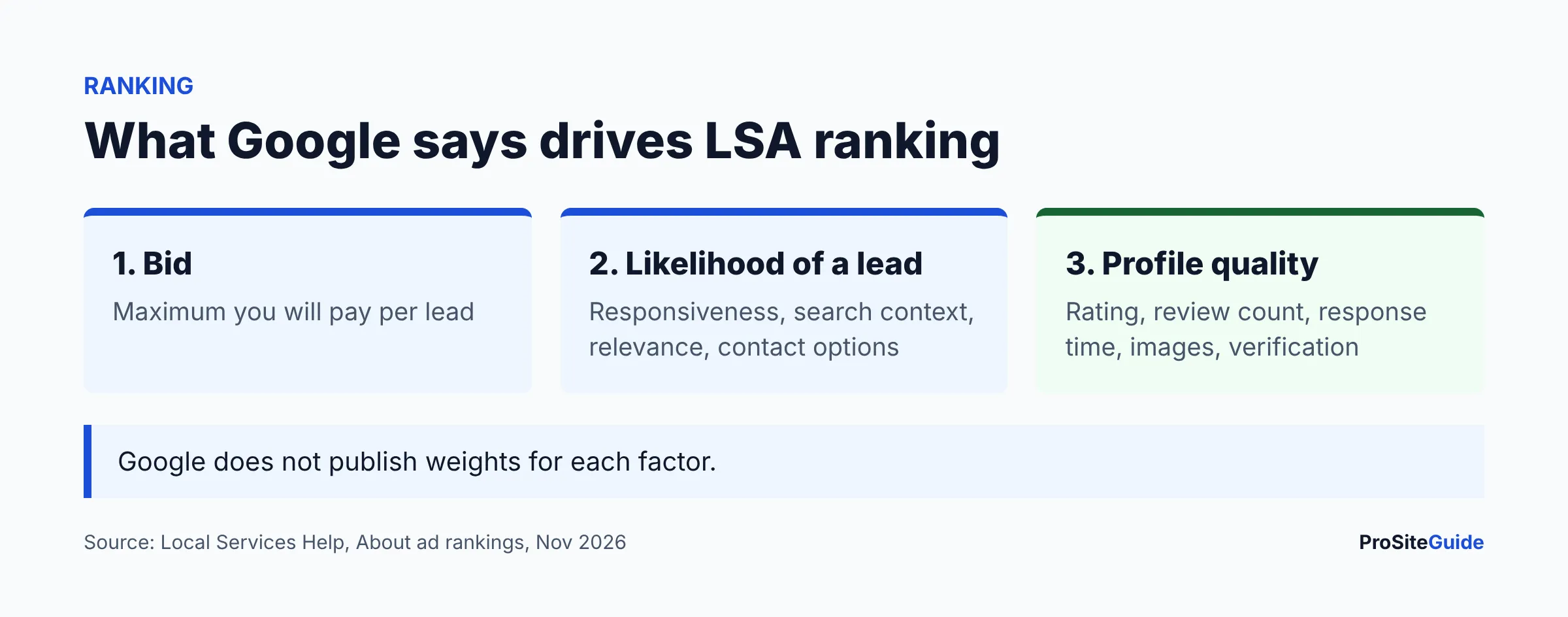
Google describes ranking as an auction based on your bid and overall profile quality (About ad rankings). The factors Google lists:
| Factor | What Google says |
|---|---|
| Bid | The maximum you will pay per lead. You may pay less. Google recommends the Maximize Leads bid mode. |
| Responsiveness | Missed calls may negatively affect it. |
| Search context | The service searched, timing, location and other search characteristics. |
| Relevance | The services you offer and your business bio. |
| Contact options | Enabling message and booking leads gives more ways to reach you. |
| Profile quality | Rating and number of reviews, average response time, high-quality images, completed verification checks. |
Google adds that higher-quality profiles may rank higher and may pay lower costs per lead. It does not publish weights for each factor, so be wary of anyone who claims to know exact formulas.
How do I dispute a bad lead or get a credit?
On the pages I reviewed, Google describes a reassessment process: it re-evaluates charged leads over 30 days, and leads found to be poor quality, duplicate or invalid receive an automatic credit to your balance (Google’s billing help page). You can also submit feedback on individual leads through the survey on the Leads page, and Google may occasionally credit leads reported this way. Credits are not available in every vertical or region, and the page notes some exclusions, so check your account’s Leads page for what applies to lawyers. Practical steps:
- Open the Leads page and filter by charge status.
- Look for leads marked In review before reporting anything.
- For a wrong-number, spam or unrelated-case lead, submit the lead feedback survey promptly with a clear reason.
- Keep call notes so you can compare Google’s status with what actually happened.
Older third-party articles describe a manual dispute form with a deadline. Google’s current billing page does not describe one, so rely on the Leads page in your account.
How do I set up Local Services Ads for a law firm?
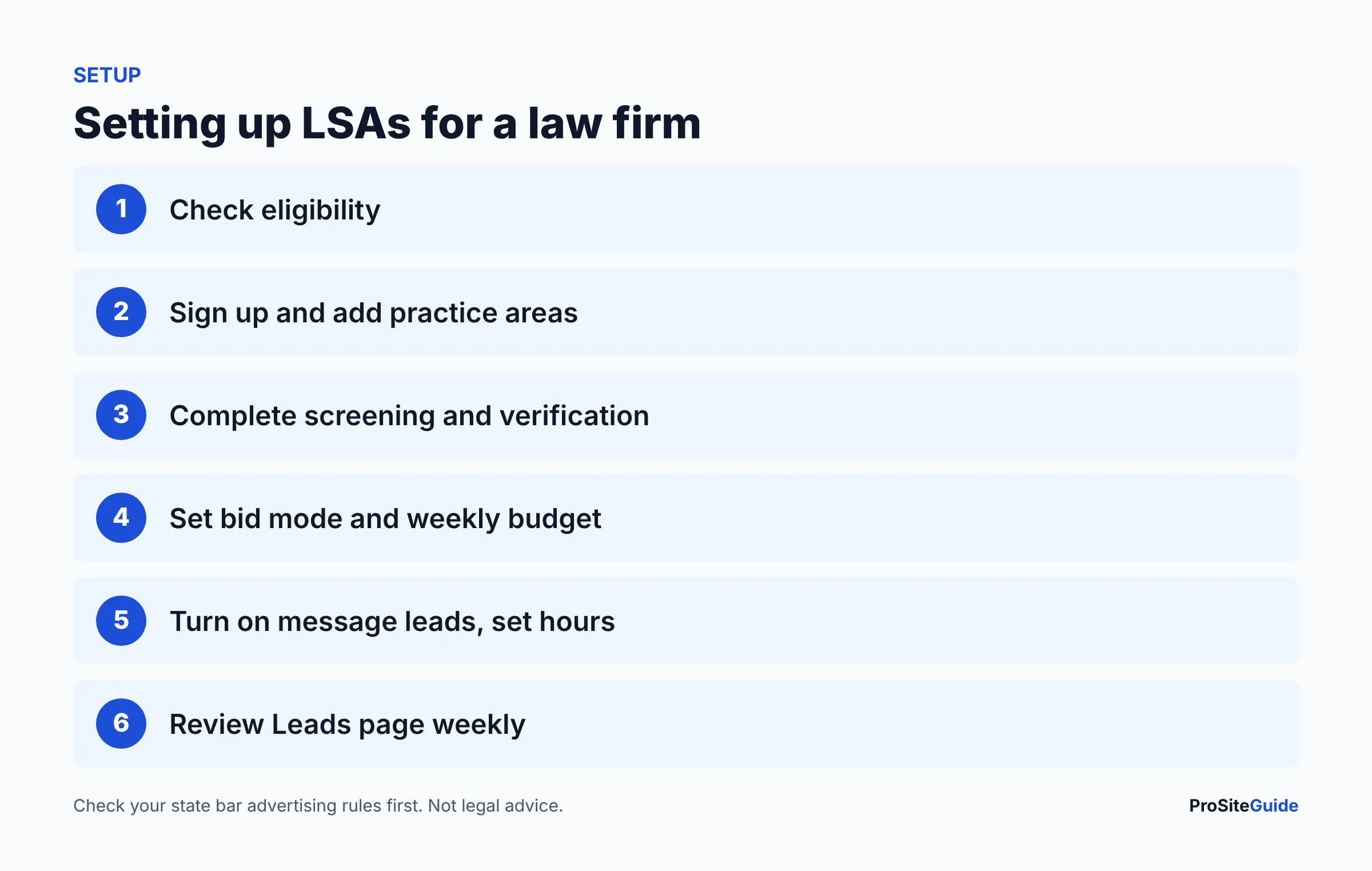
- Check eligibility for your practice area and location on Google’s Getting started with Local Services Ads page.
- Sign up online or contact Google sales, then enter business details, practice areas, service area and hours.
- Submit the license and screening information Google asks for, and add headshots and a short bio.
- Set billing, bidding mode and average weekly budget.
- Turn on message leads (and booking where offered) and set phone answering hours you can actually staff.
- Verify how calls reach you. If nobody can answer, consider a service such as those in Smith.ai vs Ruby virtual receptionists.
- Ask satisfied clients for honest reviews, consistent with your state’s rules.
- Review leads weekly and adjust budget.
What should a firm do after the lead arrives?
A paid lead is only worth it if you convert it. Answer quickly, because Google lists responsiveness as a ranking input. Track which leads become consultations using your own intake notes, and use GA4 and Search Console for the website side. A strong practice area page helps clients who check your site before calling. Our Start Here guide lists the other basics.
Are local services ads allowed for attorneys in my state?
Attorney advertising rules vary by state, and state bars may have rules on advertising claims, reviews and testimonials, specialization wording, required disclaimers and solicitation. A useful starting point is the ABA Model Rules of Professional Conduct (Rules 7.1 to 7.3 cover communications, advertising and solicitation). These are model rules, not binding by themselves; each state adopts its own version. This is general information, not legal advice. Check with your state bar or ethics counsel before you publish a profile, bio or review request.
Pros and cons
| Pros | Cons |
|---|---|
| Pay for valid leads rather than clicks | No published lawyer price per lead, so budgeting takes trial |
| Prominent placement above regular results | Ranking depends on reviews and responsiveness you must earn |
| Direct calls and messages | Lead quality varies. Reviewing charges takes time |
| Verification badge for new advertisers | Programs and badges change, as the Screened to Verified change shows |
FAQ
Is Google Screened still available for lawyers?
Google’s help page says it is replacing advertiser badges with a single Google Verified badge. New advertisers complete screening and verification to earn it.
Do I pay per click or per lead?
Per lead. Google bills when a valid customer contact comes from your ad, and says invalid or low-quality leads are not charged.
Does a bigger budget guarantee top placement?
No. Google ranks by an auction that weighs your bid and profile quality, and does not publish exact weights.
What counts as a charged lead?
Per Google, answered calls, missed calls where the caller stays on more than 20 seconds during business hours, texts, emails, voicemails and booking requests (US and Canada) can be valid leads.
Can I get credits for bad leads?
Google reassesses charged leads over 30 days and automatically credits those found invalid, duplicate or poor quality. Availability varies by vertical and region.
Conclusion and next steps
LSAs can put your firm in front of people ready to call, but you pay for contacts and Google will not tell you the price in advance. Start with the eligibility check, confirm your state’s advertising rules, set a modest weekly budget, and make sure someone answers the phone. Review the Leads page weekly. Our free law firm website checklist covers the site that supports the ads.
Want this handled for you? ProSiteGuide builds and maintains fast, secure WordPress sites for law firms. Book a free consultation.